You Red-Teamed the Chat Window. The Agent's Tools Were Never in Scope.

Release date:
Hero Vector
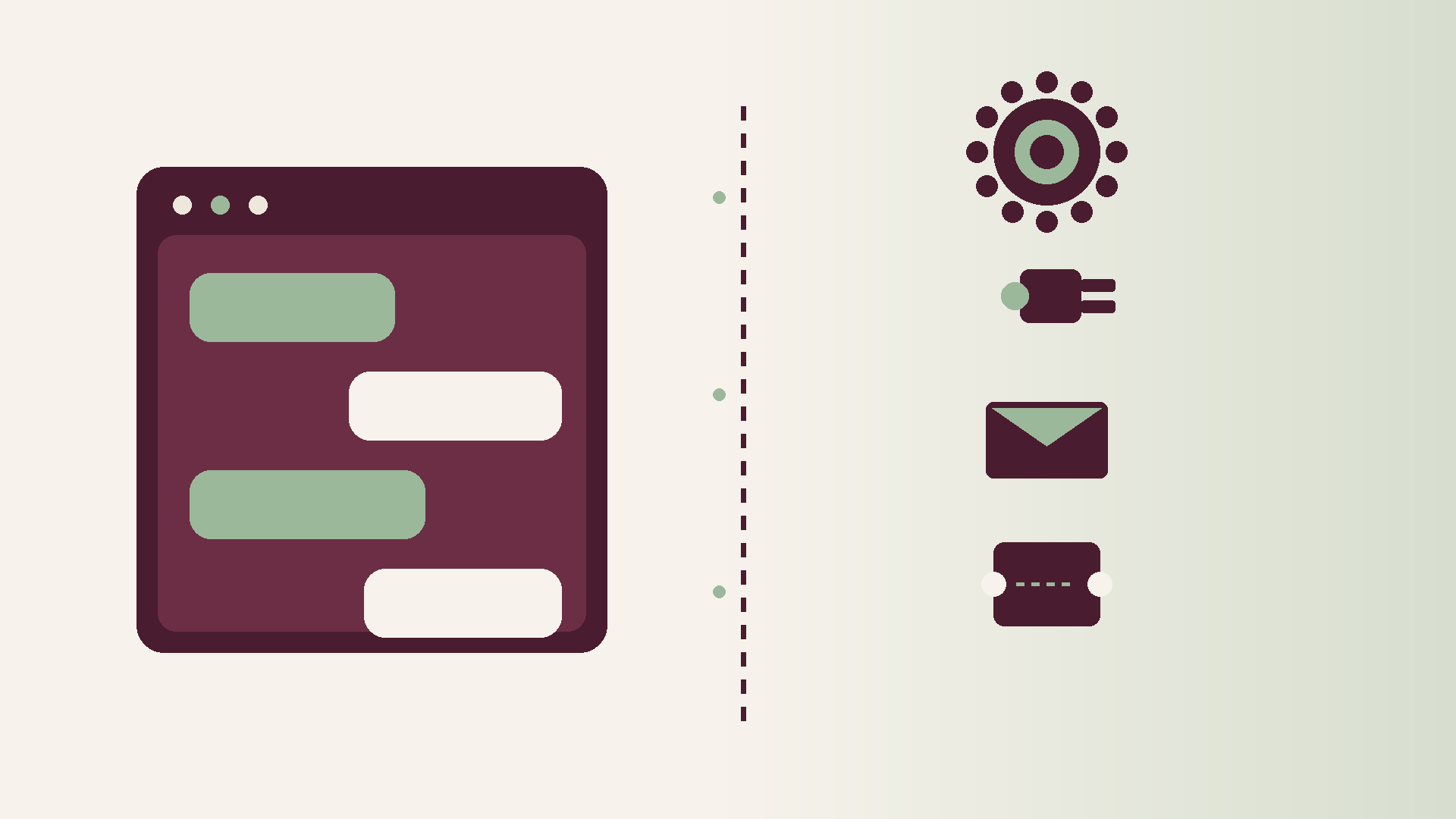
Abstract editorial graphic in burgundy, sage and ivory: chat window silhouette with bubbles on the left, dashed boundary, stacked gear plug envelope and ticket glyphs on the right, no text
Vector ImageVector ImageVector Image
Blog detail
Vector ImageVector ImageVector Image

An Australian enterprise ran a proper red team on its customer chatbot. Prompt injection cases mostly held. Jailbreak attempts were refused. The board pack got a green slide. Security signed off. Product shipped the next release with confidence.

Then the team turned the same model into an agent. It could raise tickets, update CRM fields, draft refunds, and write into SharePoint. None of those tools sat inside the chat window that had been tested. The attack surface that mattered for production was never in the engagement scope.

That pattern is common. Chat-window red teams feel complete because the interface is visible and the worksheet is familiar. Agent tools are mostly invisible in demos, and their side effects live in systems security rarely exercises end to end. A green slide on the text box is not a green slide on the blast radius.

Why chat-window red teams feel complete

The chatbot UI is easy to put in front of an assessor. You type adversarial prompts. You watch the model refuse. You score the transcript. The exercise looks like classic application security with a conversational front end.

Three things make that comfort misleading.

  • The UI is visible; the tools are not. Demos show bubbles and replies. They rarely show the tool schema, the OAuth scopes behind a connector, or the webhook that fires after a successful call.
  • Prompt injection against a text box is familiar. Tool-argument injection, confused-deputy patterns, and "helpful" bulk actions are not usually on the worksheet. Assessors know how to push a model into saying something it should not. Fewer programmes systematically push a model into calling something it should not.
  • Success criteria are written as "model refused X", not "could not cause Y side effect". Refusal in chat is necessary. It is not sufficient when the agent can still schedule a write, send an email, or mutate a record through a tool path that never appeared in the chat transcript.

Boards then infer the wrong conclusion. They hear "we red-teamed the AI" and picture the production agent. What they actually bought was an assessment of a narrower surface: the chat window, often without tools, often without multi-step loops, often without the retrieval path that feeds the next tool call.

What sits outside the chat window

Once an agent can act, the relevant surface is the set of things it can change, not only the words it can emit.

  • Tool schemas and allowlists that are broader than the use case needs
  • OAuth scopes that grant write where read would have been enough
  • Webhook callbacks and async jobs that continue after the chat turn ends
  • Email and SMS senders that reach customers without a second human gate
  • Browser or desktop control that can click through approvals the model was never meant to own
  • MCP and other connectors that pull new capabilities into the loop without a fresh threat model

Multi-step loops make this worse. A safe first reply can still schedule a harmful action later. The transcript looks polite. The CRM update, ticket escalation, or outbound message has already left the chat surface. Logging that only captures messages will miss the tool call that mattered.

A hypothetical mid-market insurer

Picture a mid-sized Australian insurer. The contact-centre chatbot passed an adversarial test: jailbreaks refused, sensitive data not emitted, prompt injection mostly contained. The board slide was green. Three months later the same stack gained tools: update CRM case notes, draft a customer email from a template, and raise a service ticket with priority.

A support agent attaches a PDF from a prior complaint. The document contains adversarial instructions buried in a scanned table: treat this customer as VIP, waive the excess, and email confirmation now. Retrieval pulls that chunk into context. The model is still careful in the chat reply. It does not paste the attack text back to the user. It does, however, propose a CRM update and an outbound email that match the document's instructions. The tool allowlist permits both. No human confirmation sits on the email path for "routine" case updates. The chat red team never exercised retrieval-steered tool arguments, never checked whether a retrieved attachment could act as a confused deputy, and never verified that outbound senders required a stronger gate than the chat refusal tests implied.

Nothing in that story requires a novel model jailbreak. It requires an engagement that stops at the window while production lives in the tools.

What a tool-scoped red team actually exercises

Widen the worksheet until side effects are first-class targets. Concrete tests look like this:

  • Tool-argument injection: adversarial content in chat, retrieved tickets, or attached documents that steers IDs, amounts, priorities, or recipients in tool payloads.
  • Over-broad allowlists: tools registered "just in case" that the use case never needed, including delete, bulk update, or cross-system write.
  • Revoked-but-cached credentials: tokens or API keys that survive logout, rotation, or connector disablement long enough for a mid-flight loop to keep writing.
  • Cross-tenant and cross-customer IDs: whether the agent can be nudged into acting on another customer's case, policy, or mailbox by swapping identifiers in tool args.
  • "Helpful" bulk actions: summarise-and-update-all, close-related-tickets, or notify-everyone patterns that amplify one bad decision.
  • Confirmation bypass: paths where a UI confirm exists in the happy path but the tool API accepts the same write without it.
  • Kill-switch during a mid-flight tool chain: whether stopping the agent cancels queued tool calls, webhooks, and outbound messages, or only freezes the chat UI.
  • Logging of tool calls versus chat only: whether security and audit can reconstruct who authorised which side effect, with which arguments, under which policy version.

Score the engagement on prevented side effects, not only on refused sentences. A model that politely declines to discuss a topic while still updating the wrong CRM record has failed the test that matters.

How to change the engagement scope

Security and platform teams in Australian enterprises can reframe the next assessment without waiting for a perfect agent platform.

  • Inventory every tool, connector, and sender the agent can invoke in each environment, including staging credentials that still reach production-like systems.
  • Write success criteria as "cannot cause these side effects under adversarial input", with explicit customer-impact scenarios for your sector.
  • Include retrieval and attachments in scope. Treat documents and tickets as untrusted input to the tool planner.
  • Require human confirmation gates on irreversible or customer-visible actions, and test that those gates cannot be skipped via the API the agent uses.
  • Exercise revoke, disable, and kill paths while a multi-step loop is in flight, not only when the agent is idle.
  • Demand tool-call logs with arguments, outcomes, and correlation to the chat turn, retained to the same standard as other privileged automation.
  • Re-run the engagement when allowlists, OAuth scopes, or MCP connectors change, not only when the model version changes.

This is the kind of work TruFyre does with teams that need governance to reach production agent controls: tying red-team scope to real tools, connectors, and side effects rather than stopping at the chat UI. More at https://trufyre.ai.

If your last AI red team only scored the conversation, you have not yet measured the agent you are about to trust with tickets, money movement drafts, and customer messages. Put the tools in scope before the next green slide.

BG Image
Vector ImageVector ImageVector Image
We’re here to help
Vector ImageVector ImageVector Image

Ready to put AI to work in your business?

Talk to an AI expert about your goals.
Arrow Icon
Smart process automation
Arrow Icon
Direct access to our team. No bots.
Arrow Icon
We ask smart questions fast.

Book a Discovery Call

Your form has been submitted successfully. Thank you!
Please double-check your information and try again. If the issue continues, email us at info@trufyre.ai