You Secured the Model Endpoint. You Forgot the Tool Permissions.

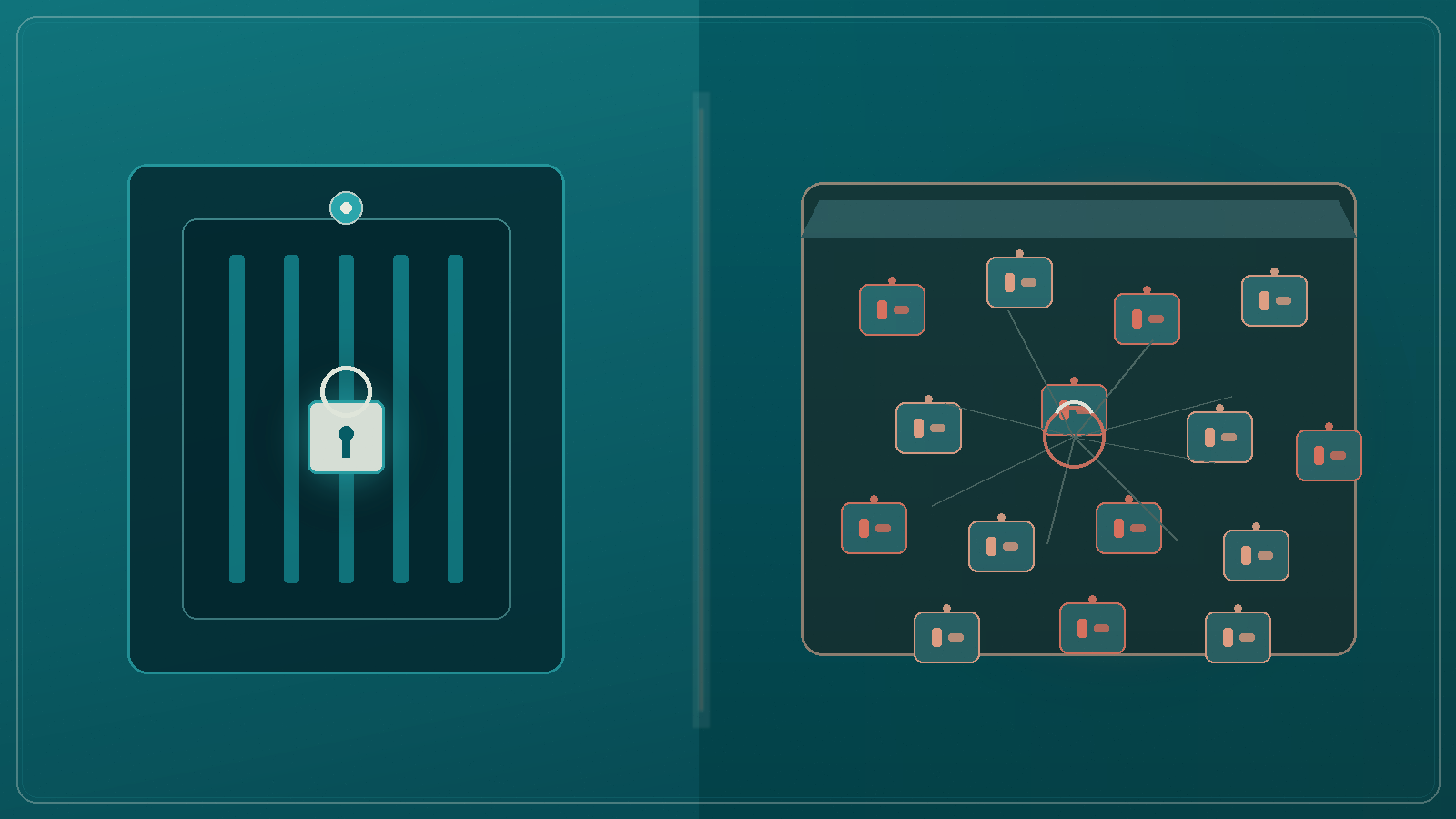


Security signed off the model endpoint last quarter. API keys rotate. The gateway logs every call. The threat model reads clean. Then someone wires the assistant to a CRM write tool, a ticketing API, and an MCP server that can browse internal docs, and nobody treats that as a new attack surface.
That is the gap. You secured how traffic reaches the model. You forgot what the model is allowed to do once it starts calling tools.
Classic application security asks the right questions for a chat API: authentication, rate limits, prompt injection hygiene, data egress from the response. Those controls matter. They also stop at the message boundary.
Function calling and MCP tools move the boundary. The model is no longer only generating text. It is selecting actions with side effects: create a case, refund a payment, update a customer record, fetch a file, send an email. If your review checklist still ends at "is the inference URL locked down?", you are auditing the door and ignoring the keys hanging on the desk inside.
In Australian enterprises this shows up as a split ownership problem. AppSec owns the endpoint. The delivery team owns the tool wiring. Governance owns the policy deck. Nobody owns the allowlist of actions with the same seriousness as a production IAM role.
Tool permissions rarely sit in one neat policy engine. They hide in the places teams move fastest:
A locked model endpoint with a wide-open tool tray is not a secure AI system. It is a secure front door for an unsupervised operator.
If a human needed least privilege to do the job, the agent needs the same. Fluency is not authorisation.
Picture a Sydney insurer rolling out a claims assistant. The model endpoint sits behind SSO and WAF rules. The security review passes. During a sprint, engineering connects a "create claim note" tool and a "fetch policy document" tool. Both use a shared integration user with update rights across the claims workspace. Prompt injection or a confused customer conversation is no longer only a content risk. It is a write path into the system of record.
Or take a bank ops agent that can call an MCP mail tool to "chase missing documents." The endpoint is private. The mail tool can send to any address. Suddenly your secure model can become a phishing relay with an enterprise signature.
Neither case looks like a traditional breach in the first hour. Both look like a helpful assistant doing what the schema allowed.
Treat every tool as a privilege grant, not a feature toggle.
If your security questionnaire still asks only about the model URL, add a second page for tool permissions. Make it as boring and mandatory as an IAM review.
Before you promote the next agent or LLM app:
Endpoint security still matters. It is just not the whole story anymore. The model is the brain. The tools are the hands. Securing one without scoping the other is how careful organisations still get surprised.