You Can Roll Back the Deploy. You Cannot Roll Back the Emails the Agent Sent.

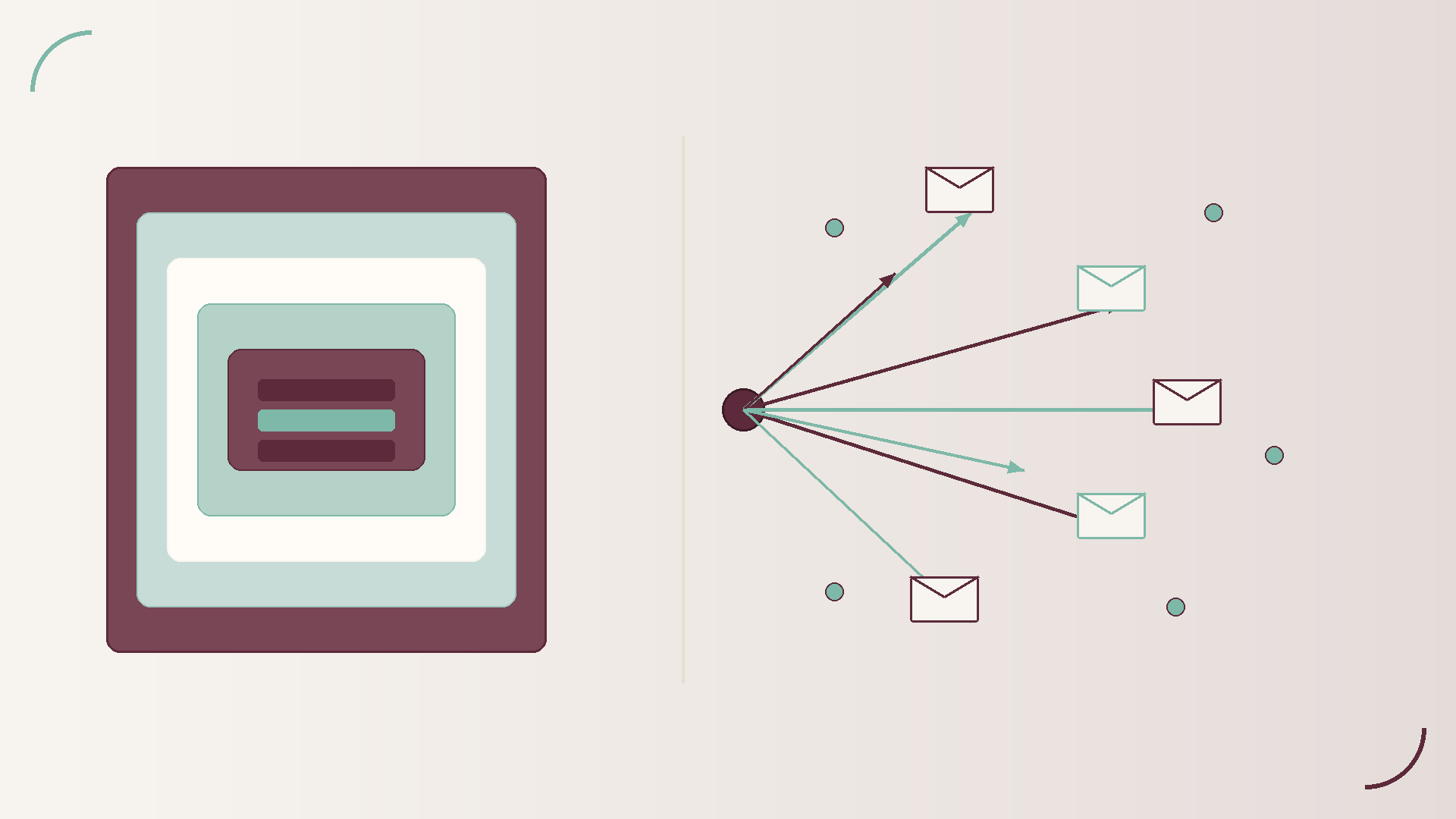


Friday afternoon. The agent release that looked fine in staging starts writing wrong fields into Salesforce and sending polite but incorrect emails to a handful of customers. Someone hits the rollback button. The deploy rewinds. The chat session logs look neat again. Then support opens the inbox thread and realises the messages already left the building. Rolling back the container did not pull those emails out of anyone's mailbox.
That gap is the whole point of this post. You can reverse a bad binary. You cannot reverse a side effect that already crossed an organisational boundary. If your agent can write to the world, your rollback plan has to include compensating actions, not only a redeploy.
Conversation state sits inside systems you own. You can truncate a thread, reset a session store, or mark a run as aborted. Logs feel soft. They are rows in a table. Ops teams are used to treating them as disposable artefacts of a bad release.
Side effects are different. An email gateway accepted the message. A CRM API returned 200. A ticket comment is now part of the customer's case history. A calendar invite created a meeting on someone else's diary. Those writes live in other companies' systems, under other retention policies, with other humans reading them. Your deploy history is not their source of truth.
Teams get surprised because demos emphasise the reversible half. The agent proposes a reply. A human nods. Everyone watches the transcript. The irreversible half (the send, the update, the charge) happens off screen, often after a tool call that looks like any other JSON blob in the log.
Map every write tool before you call it production ready. The list is usually longer than the architecture diagram shows.
Treat each sink as a separate risk class. A dry run that only stubs CRM while still sending mail is not a dry run. It is a live blast with half the instrumentation turned off.
In distributed systems, undo is almost never a time machine. It is a compensating transaction: a deliberate second action that restores a useful business state.
For CRM, that might mean a soft delete flag, an ownership revert, or a note that marks the prior update as erroneous with a link to the corrected record. For email, undo often means a follow up apology plus a corrected message, not a silent delete. For tickets, it means a supervised correction comment and, where possible, suppressing further automated follow ups from the bad run.
Human review queues sit between propose and commit for high impact sinks. Dual write outboxes help too: the agent records intent in a store you control, then a separate worker performs the external write under rate limits and idempotency keys. If the agent crashes mid run, you still know what it meant to do, and you can choose not to flush the outbox.
If your runbook only says roll back the release, you have described how to stop new damage. You have not described how to clean up damage already done.
Build write paths in three stages: propose, confirm, commit. Propose produces a structured draft the agent (or a policy engine) can validate. Confirm is either automated policy or human approval for high blast radius actions. Commit is the only stage that touches the external sink.
Layer controls on top of that shape.
This is not ceremony for its own sake. It is how you keep Friday afternoon rollbacks from turning into a weekend of customer recovery.
Australian banks, insurers, agencies, and professional services firms already live under audit and privacy expectations that treat customer communications as evidence. When an agent sends the wrong email, the incident is not only a product bug. It is a trust event and, often, a support load event.
Auditability means you can show who authorised the write path, which policy version was live, which idempotency key was used, and whether a compensating action ran. Customer trust means the correction is clear, timely, and owned by a human who can answer follow ups. Support load means your service desk should not discover agent mistakes from angry inbound tickets with no internal trail.
If undo is open a ticket and hope someone remembers, you have outsourced recovery to the busiest people in the company. Design compensating actions before go live, with the same seriousness you give change windows and release approvals.
Skip any of these and you are betting that the first bad run will be small enough to fix by hand. That bet ages poorly.
Rollback is necessary. It is not sufficient. Agents that can email, update CRMs, and comment on tickets need compensating designs that travel with the feature, not a weekend patch after customers notice.
TruFyre's broader work on agent write controls and operational kill paths sits next to this problem: constrain what can fire, and make sure you can stop new damage quickly. Side effect design answers the harder half: what you do when something already fired. If you want a practical read of how we frame production agent controls, start at trufyre.ai.