Your Agents Need an Allowlist, Not a Blank Cheque

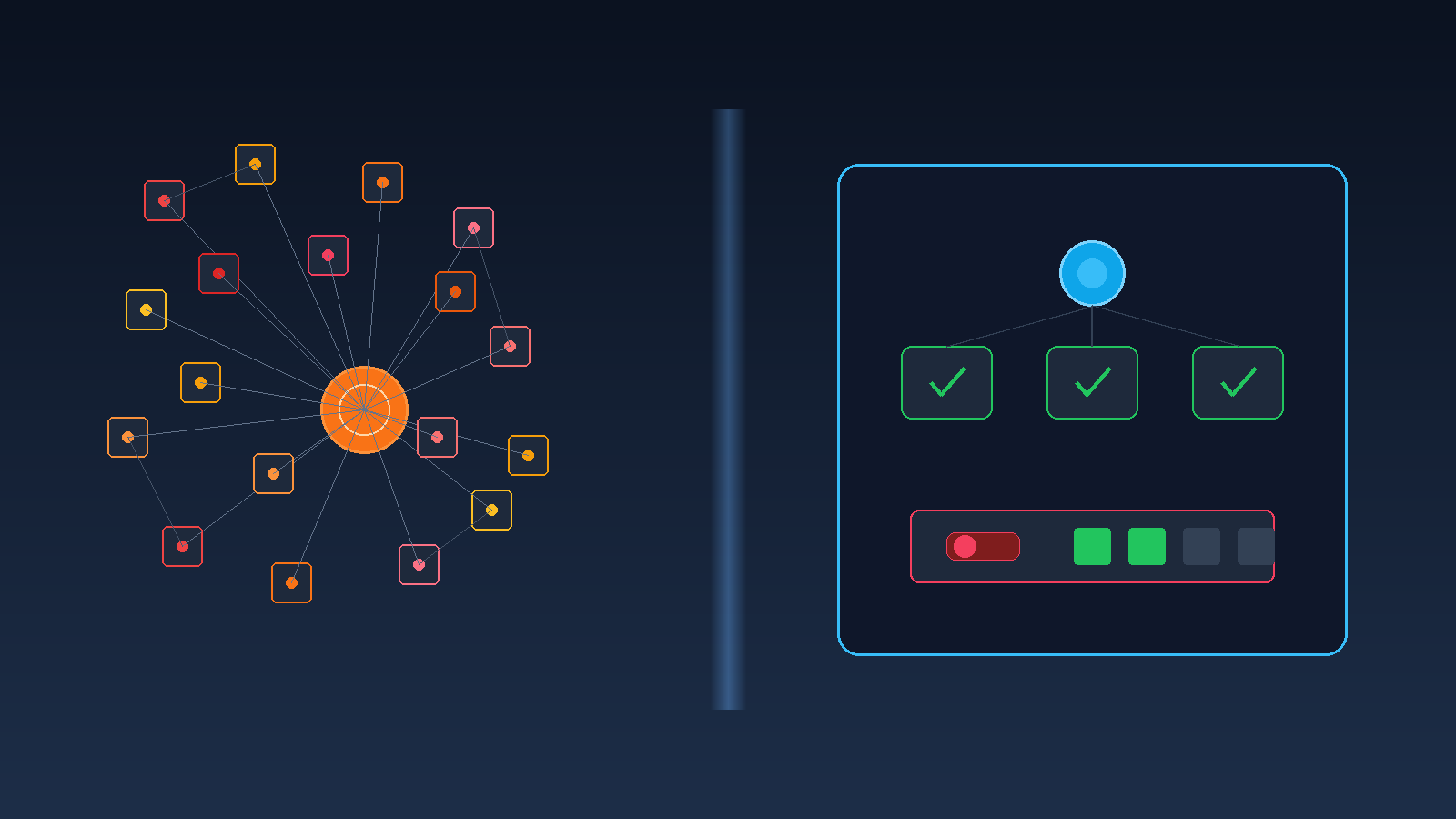


Demo day loves agents. Wire twenty APIs into a chat window, let the model pick tools, and watch it book a meeting, update a ticket, and draft a reply in one breath. Executives clap. Engineers feel clever. Security goes quiet for a reason.
Blank-cheque tool access is the new shadow IT. When every connector is "just a tool", you have rebuilt the open estate that shadow AI already taught you to fear, only now the operator is a probabilistic program that never sleeps and never feels embarrassed.
If you want agents that ship into production, start from the opposite instinct: an allowlist, a real identity, and a kill switch you can pull without a war room.
The failure mode is not "the model hallucinated a witty answer". It is a write that should never have been offered.
Demos hide this because the happy path is curated. Production is full of near matches, stale schemas, and humans who say "just give it access to everything for now". That sentence is how blank cheques get signed.
Australian enterprises feel this sharply when agents sit across SaaS estates that were never designed as one permission model. Finance, service desk, and CRM each have their own admin culture. An agent that spans them inherits the worst of every integration shortcut.
An allowlist is not a vibe. It is a named set of tools, each with constrained arguments, approved environments, and an owner who can answer why it exists.
Treat tools the way you treat network egress. Default deny. Add deliberately.
create_draft_ticket, read_customer_tier, schedule_internal_meeting. Names that force intent.If a tool cannot be described in one sentence of business purpose, it does not belong on the first agent you ship. Expand the list later, with the same change discipline you use for firewall rules.
Shared "ai-bot" service accounts are how audits fail. An agent that can act should act as a principal you can suspend, rotate, and attribute.
Identity without an allowlist is paperwork. An allowlist without identity is hope. You need both, the same way thin production architecture needs a system of record and an owner (see when AI architecture becomes a liability).
When something goes wrong, you want one answer: which principal, which tool, which args, which human (if any) was in the loop. If that reconstruction takes days of log archaeology across shared bots, your control model already failed.
Assume the agent will eventually do something you dislike. Design for that Tuesday, not for the demo reel.
Budgets are not anti-automation. They are how you keep automation from becoming an unattended incident generator. Put the numbers somewhere operators can see them, not only in a cloud billing console nobody opens until month end.
You do not need a platform programme. You need one useful agent with boring controls.
By day 90 you should answer four questions without theatre: which tools exist, as whom the agent acts, what stops a bad loop, and who owns the next change to the allowlist.
That is how agents leave the demo and enter the same operational discipline you already expect from payments jobs and batch exports. Powerful, yes. Blank cheque, no.
Start smaller than the slide deck suggests. One agent, three tools, one kill switch, and a weekly review of near misses will teach you more than a connector marketplace turned on overnight.
Does an allowlist kill agent autonomy? It kills unsupervised sprawl. Autonomy inside a bounded toolset is still useful. Autonomy across your entire API surface is a liability with a chat UI.
Can we start with reads only? Yes, and you should for most first agents. Read-heavy assistants with strong retrieval and no write tools still deliver value without inventing refunds and status flips.
What if the vendor's agent product ships with "all connectors enabled"? Turn them off. Enable two. Treat the catalogue like production change: each new tool is a risk decision with an owner, not a checkbox in onboarding.
How is this different from ordinary API security? Same principles, new caller. Models will explore adjacent tools and retry when confused. Your gateway, identity, and budgets must assume curious automation, not only intentional human misuse.